
Free Microsoft programs 2 - Screenrecorder
 Konaklama
We previously introduced Microsoft's free virus protection program, Microsoft Security Essentials. We discussed the importance of using free and secure programs instead of cracked, hacked, unsecured, and malicious programs whose contents we don't know. In this context, I'd like to introduce a free program distributed by Microsoft: Screenrecorder.
As the name suggests, the program records activity on your computer screen. It can also record audio during the recording process, and its interesting point is that it was written by a Turkish writer. You can download the program, written by Burak Uysalaer, from
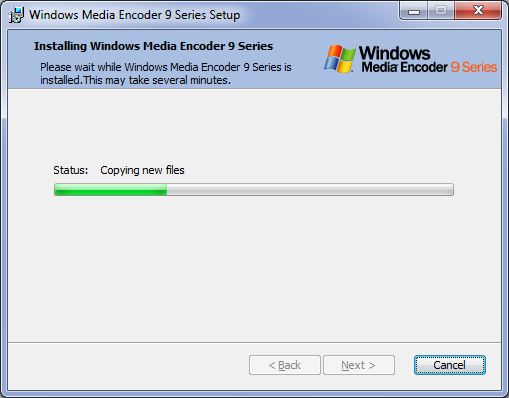


 After the installation is complete, run Screenrecorder. A window will appear asking us to select the area to record. This allows you to record your computer's entire screen activity, or you can select just an open window. If you want to record audio as well, simply select Audio. Note: If you are using Windows 7 and receive an error saying "Screenrecorder has stopped working," you should install the Windows 7 hotfix using the link below.